
Vocabulary trainer
Learn new words with ease
Add your own words, and VocabWord helps with translations, pictures and pronunciation. Practise for a few minutes a day, and the words will stay with you.
- Free core features
- Words in any language
- On every device
Pronunciation and translation suggestions in 30 languages
Your words, all in one place
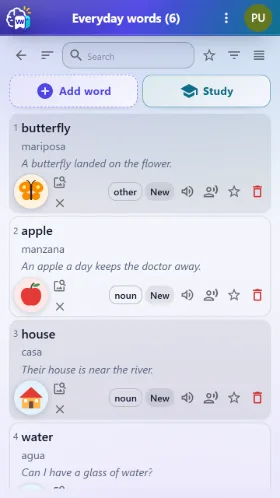
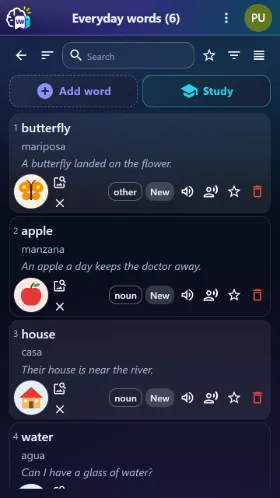
Collect useful words. Add translations and pictures to help you remember them.
Your own wordlists
Group words by topic and add examples.
Translation suggestions
Type a word and pick a suggested translation.
Pictures for words
Add a picture to help you recall and remember the word more easily.
Pronunciation
Listen to words and examples in 30 languages to help you remember their pronunciation.
Import and export
Add a whole list at once. Save your words to a file anytime.
Ready-made wordlists
Copy other learners’ lists and start practising.
Your lists, wherever you are
Learn words anywhere — at home, on the go or on a break. Your word lists are always with you!
How it works
Add words, choose an exercise and start practising.
Add words
Create a list and add words with translations. Or pick a ready-made list.
Choose an exercise
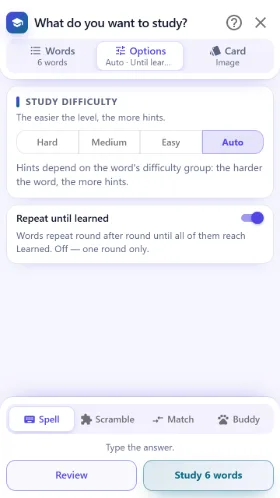
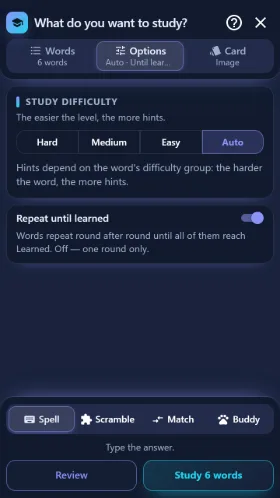
Choose words to review and how to practise: type answers, build words from letters, match pairs or feed the hamster.
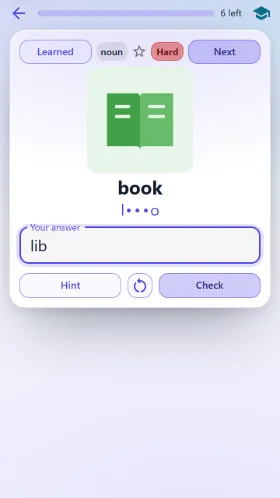
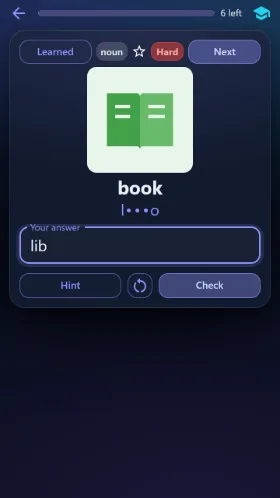
Spell
Type a word’s translation and check your answer. Stuck? Use a hint.
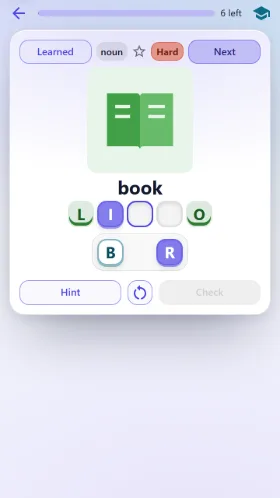
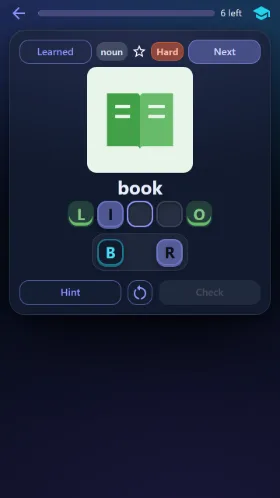
Scramble
Build the answer from shuffled letters: drag them into place or pick them in order.
Match
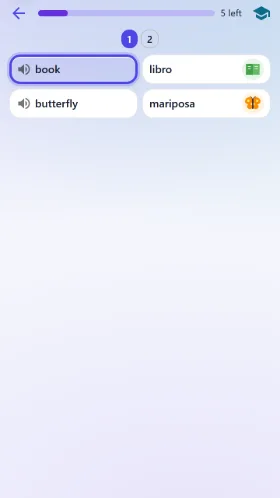
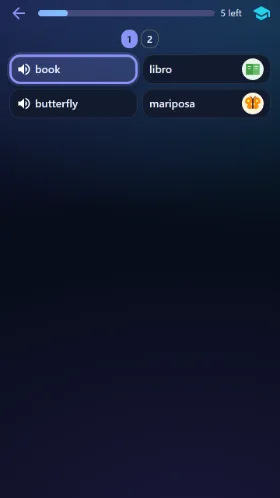
Match words with their translations to help you remember them.
Buddy
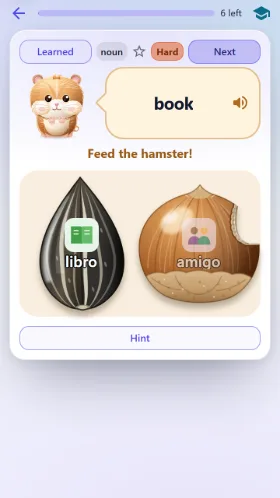
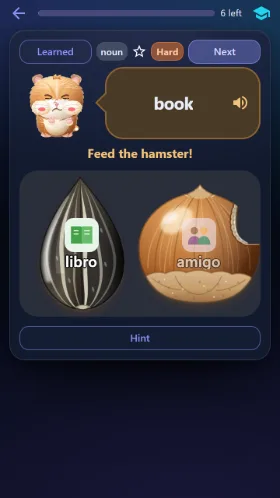
For practising with a child: a hamster asks a word aloud, and the child feeds it the right grain. No reading needed.
Questions and answers
Can I use VocabWord for free?
Yes. Core features will stay free. Paid plans will be added later, and the free version will have a limited number of attempts.
Which languages can I learn?
Add words in any language. Translation suggestions and pronunciation support 30 languages. Available voices depend on your device.
Who can see my wordlists?
Only you, unless you publish a list. You can make it private again anytime.
Does it work offline?
Yes, after your first visit. Previously loaded lists work offline. Changes sync when you’re back online. Signing in, suggestions and the catalog need internet access. Offline pronunciation depends on your device.
Do I need to install anything?
No. Open VocabWord in a browser on your phone, tablet or computer.
Can I delete my account?
Yes. Request deletion from your profile to remove your account and data. You can download a copy of your data first.
Start with your first words
Create an account and add words you want to learn.